RevivePhoto
Restore old photos with AI
Fix scratches, colorize black & white photos, and restore damaged images with AI.
3 files for $4.99. No subscription. Credits never expire.
Drag & drop your file here, or click to select
Maximum file size: 10MB
Supported formats: png, jpeg, webp, heic, heif, heic-sequence, heif-sequence
Your privacy matters: Uploaded files are deleted immediately after processing. Results are deleted after download or within 1 hour. Only you can access your files. Learn More
Your Privacy Matters
- • Files auto-deleted after download
- • Never used for AI training
- • Only you can access your files
Restoration Magic
Bring old photos back to life with AI
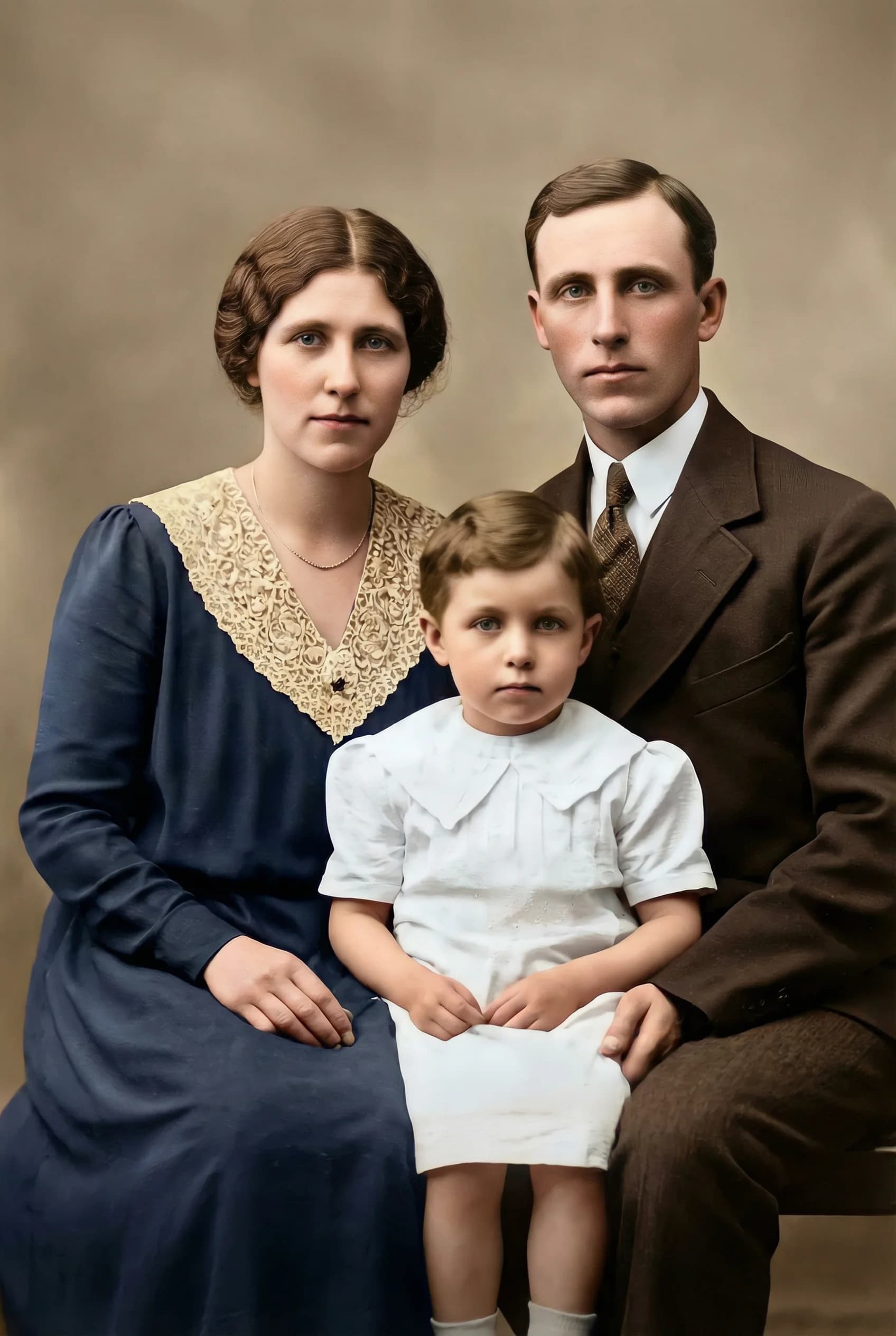
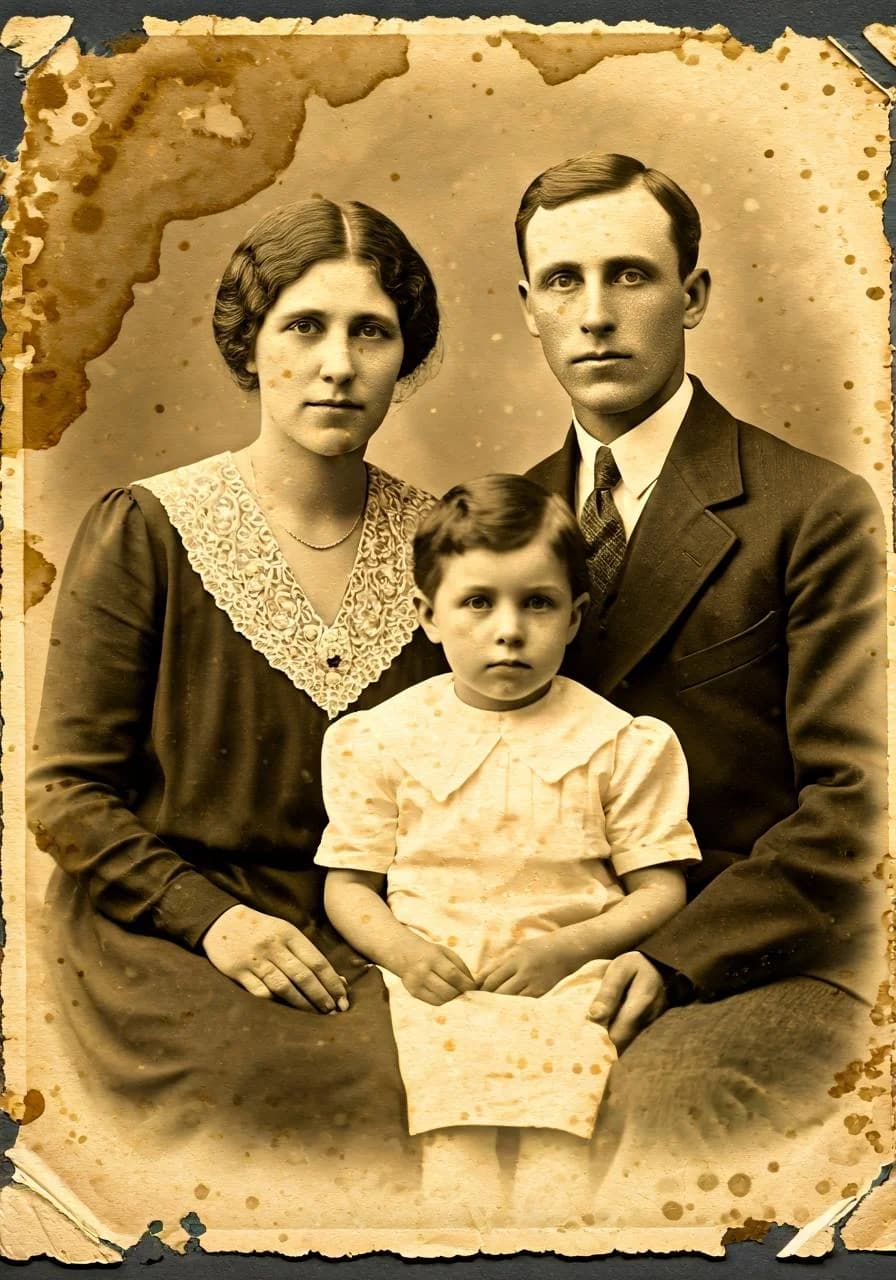
Family Portrait
Restore and colorize vintage photos
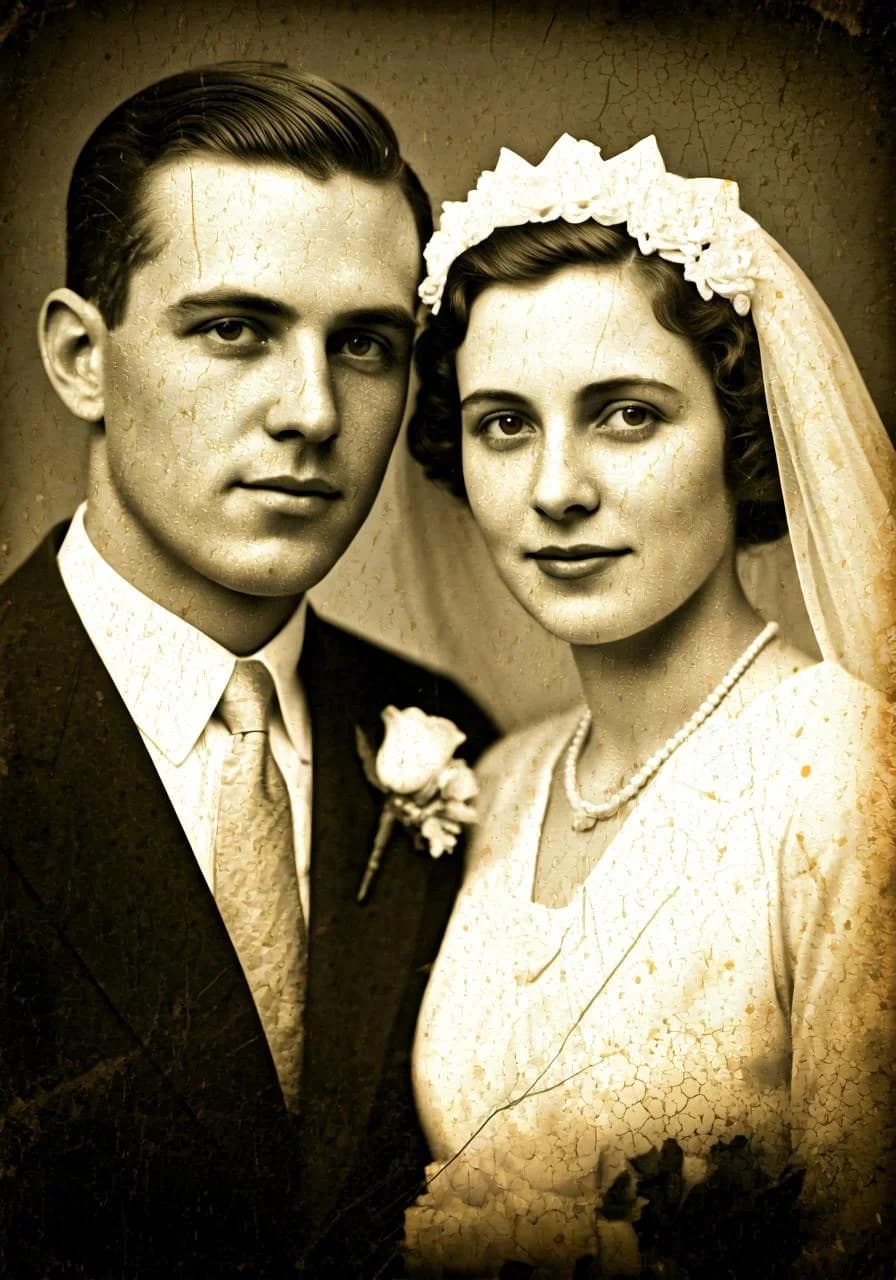
Wedding Photo
Fix scratches, tears, and fading

What is RevivePhoto?
RevivePhoto repairs old and damaged photos. Upload a scan or a phone picture of a print, and the AI fixes scratches, tears, fading and grain, sharpens faces and colorizes black and white or sepia photos on its own. One credit per photo. Credit packs start at $4.99. No subscription, and credits never expire.
How does AI photo restoration work?
An AI image model looks at the whole photo, decides what it needs (repair, color, contrast, face detail or noise reduction) and redraws the damaged areas while keeping the original composition. You do not pick settings: black and white photos are colorized automatically.
- 1
Scan or photograph the print
Flat, straight on, in soft light without glare.
- 2
Upload it
PNG, JPG, WebP, HEIC or HEIF, up to 10MB.
- 3
The photo is restored
Damage repaired, faces sharpened, colors added where needed.
- 4
Download the PNG
Print it, frame it or share it with the family.
Why use RevivePhoto?
- Colorizes black and white and sepia photos automatically
- Repairs scratches, creases, tears and fading in one pass
- No subscription: pay per photo with a credit pack
- If a restoration fails, the credit goes back to your balance
- Uploaded and processed files are deleted automatically within an hour
Best for
Family albums, wedding and baby photos from decades ago, prints for anniversaries and memorials, and old portraits you want to frame again.
Often used next
- UpscalePic: Enlarge the restored photo for printing.
Simple Pricing
Buy credits once, use them anytime. No subscriptions.
Micro
$4.99Starter
$19.99Pro
$49.99Business
$99.99If a file fails to process, its credit goes back to your balance automatically. Your files are deleted after download or within 1 hour.
Developer API
Integrate RevivePhoto into your apps, workflows, and automation
API Access
Use RevivePhoto in your apps. Same credits as web - 1 credit per operation.
# File upload
# The @ symbol tells curl to read from a file path
curl -X POST https://revivephoto.app/api/v1/process \
  -H "Authorization: Bearer YOUR_API_KEY" \
  -F "file=@image.jpg"

# URL input
curl -X POST https://revivephoto.app/api/v1/process \
  -H "Authorization: Bearer YOUR_API_KEY" \
  -H "Content-Type: application/json" \
  -d '{"url": "https://example.com/image.jpg"}'
Response:
{
  "success": true,
  "downloadUrl": "https://revivephoto.app/api/outputs/abc123.png?token=...",
  "expiresIn": 3600,
  "creditsUsed": 1,
  "creditsRemaining": 19
}
Additional Endpoints:
GET /api/v1/creditsCheck your credit balance
GET /api/v1/job/:idCheck job status (for async processing)
Sign in to generate your API key and start integrating.
Frequently Asked Questions
What kind of damage can RevivePhoto repair?
RevivePhoto repairs scratches, small tears, dust, fading, low contrast and grain in scanned or photographed prints. An AI image model studies the whole photo and rebuilds the damaged areas while keeping the original composition, so the people and places still look like themselves.
Can RevivePhoto colorize black and white photos?
Yes. Black and white and sepia photos are detected automatically and colorized with natural skin tones, skies and clothing colors. You do not need to pick a setting. Colors are the model's best guess, so a red dress might come back blue if nothing in the photo says otherwise.
How should I scan an old photo?
Scan the print flat at 300 dpi or more, or photograph it straight on in soft daylight without glare. Remove it from the album sleeve first. Upload a PNG, JPG, WebP or HEIC file up to 10MB and download the restored photo as a PNG.
Do credits expire?
Never! Once you purchase a credit pack, you can use those credits anytime - there's no expiration date or time limit.
Can I try before buying?
This tool has no free preview. The smallest pack covers a few files, so a first try costs little, and if a file fails to process, its credit goes back to your balance automatically. Credits never expire, so anything left over is there for your next job.
How does this compare to subscriptions?
Unlike monthly subscriptions that charge you even if you don't use the service, you only pay for what you actually use. Perfect for occasional users who don't need unlimited access.
What if I need more credits?
You can purchase additional credit packs anytime. Your credits accumulate, so buying multiple packs adds to your total balance.
Is my payment secure?
Absolutely! All payments are processed securely through Stripe, one of the world's most trusted payment processors. We never see or store your credit card information.
What happens to my files?
Your privacy is our priority. Uploaded files are deleted immediately after processing. Your results are available for download for up to 1 hour and are deleted after you download them. Only you can access your processed files.